The best headphones for work depend on whether you need a clear call mic, fewer distractions, or awareness of people around you. These picks cover office calls, long listening sessions, wired simplicity and open-ear comfort, so match the design to your workday and devices.
Quick Top Products
SHOKZ OpenComm2
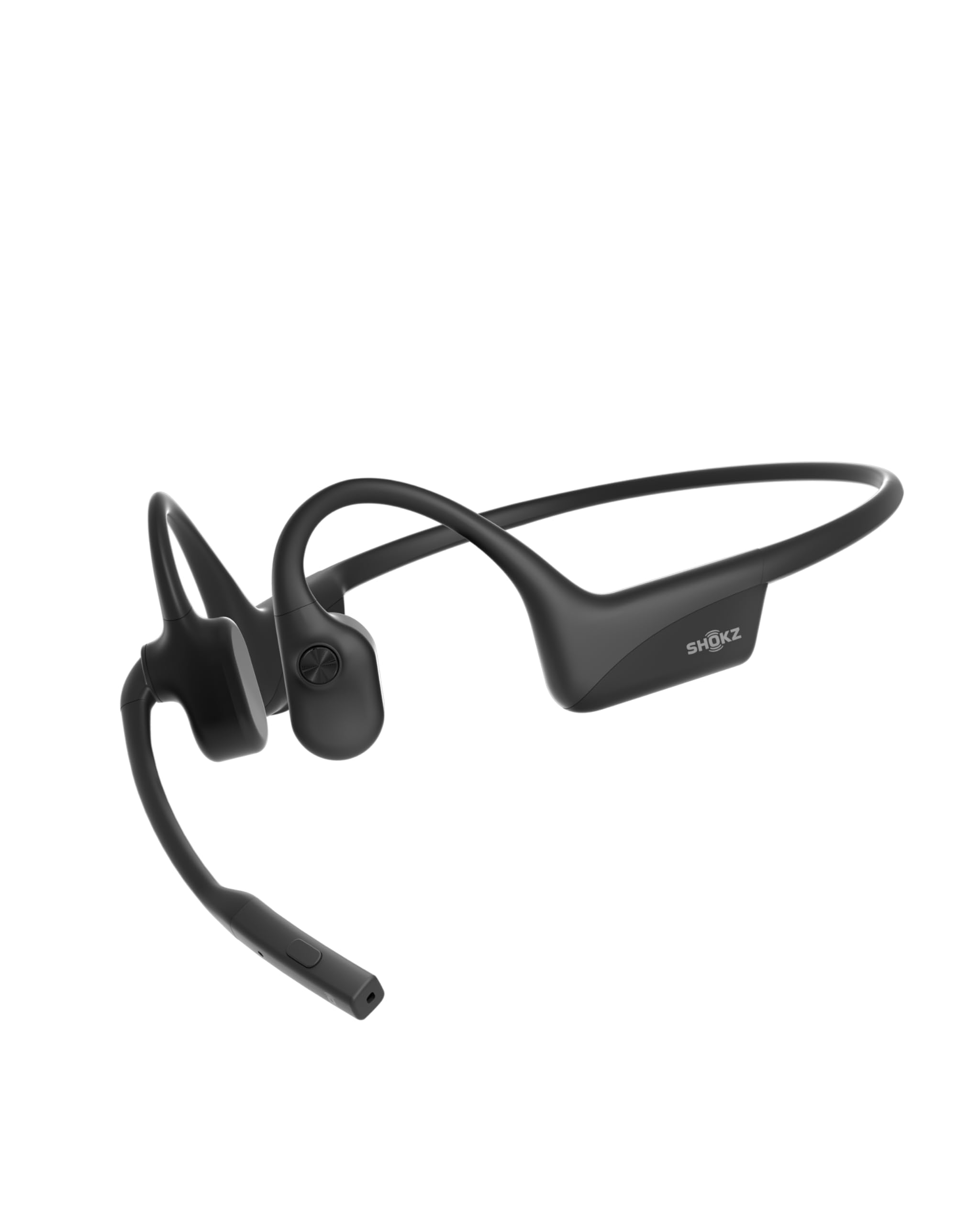
- Open-ear bone-conduction design keeps the ear canal unobstructed.
- Noise-canceling microphone and mute button target work calls.
- Pairs with two devices and provides up to 16 hours of talk time.
Best For: Remote workers who prioritize call controls, a boom mic and switching between a computer and phone.

JLab Go Work

- Dual microphones and a rotating boom support calls and listening.
- A red LED indicates when the microphone is muted.
- Multipoint Bluetooth and a wired cable support two connection styles.
Best For: People who move between laptop calls and phone audio and want an on-headset mute indicator.
JLab JBuds Lux ANC
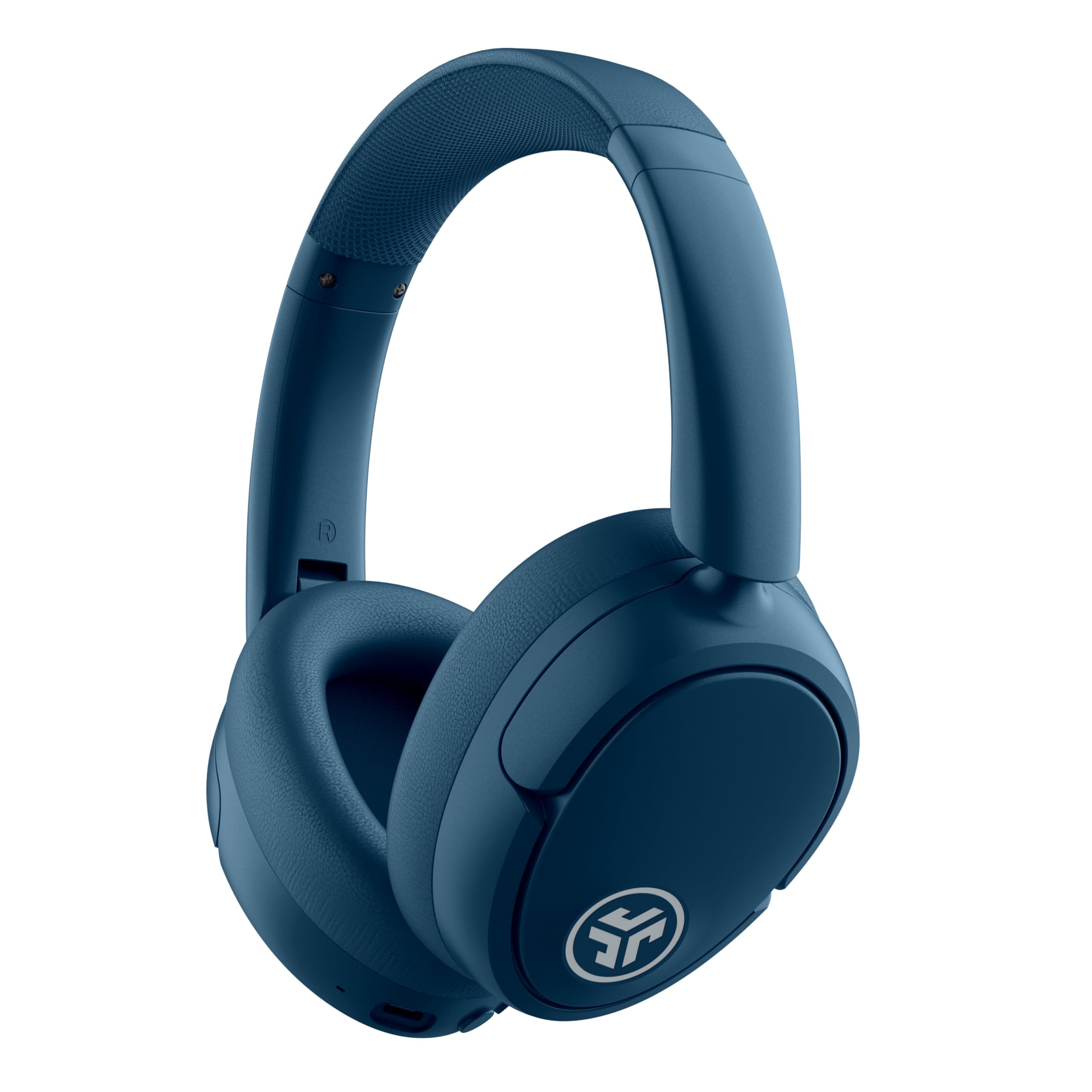
- Hybrid ANC and awareness mode offer two listening approaches.
- Multipoint connects two devices at the same time.
- Cloud Foam cushioning and extended battery life suit lengthy sessions.
Best For: Workers who want active noise control, long battery life and simultaneous laptop and phone pairing.
TREBLAB Z2
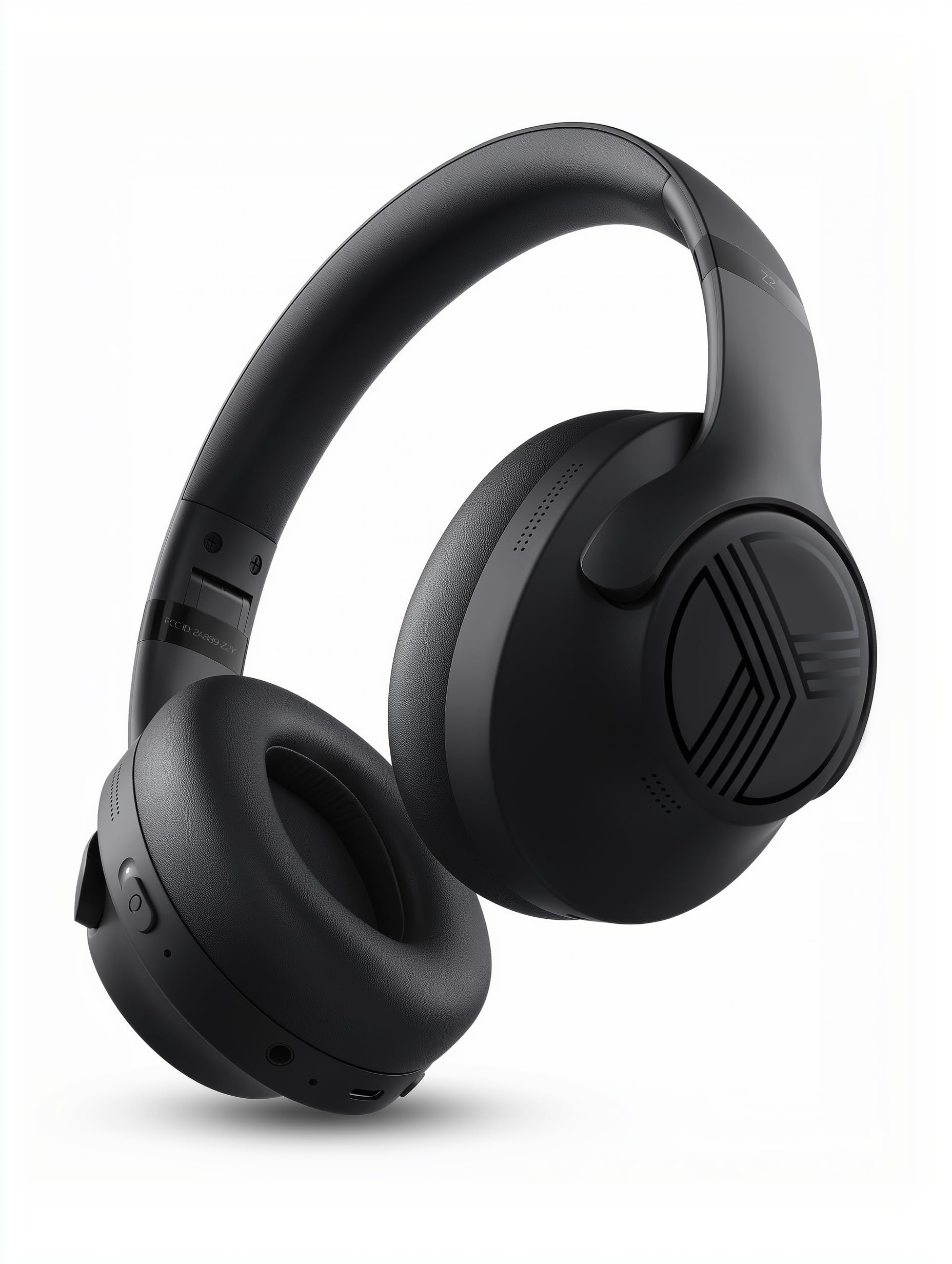
- Hybrid ANC is designed to reduce surrounding noise.
- Multipoint supports a phone and laptop connection at the same time.
- Foldable construction and AUX support add portability and wired use.
Best For: Workers seeking over-ear ANC, a long stated playtime and both multipoint Bluetooth and AUX connectivity.
SHOKZ OpenRun Pro
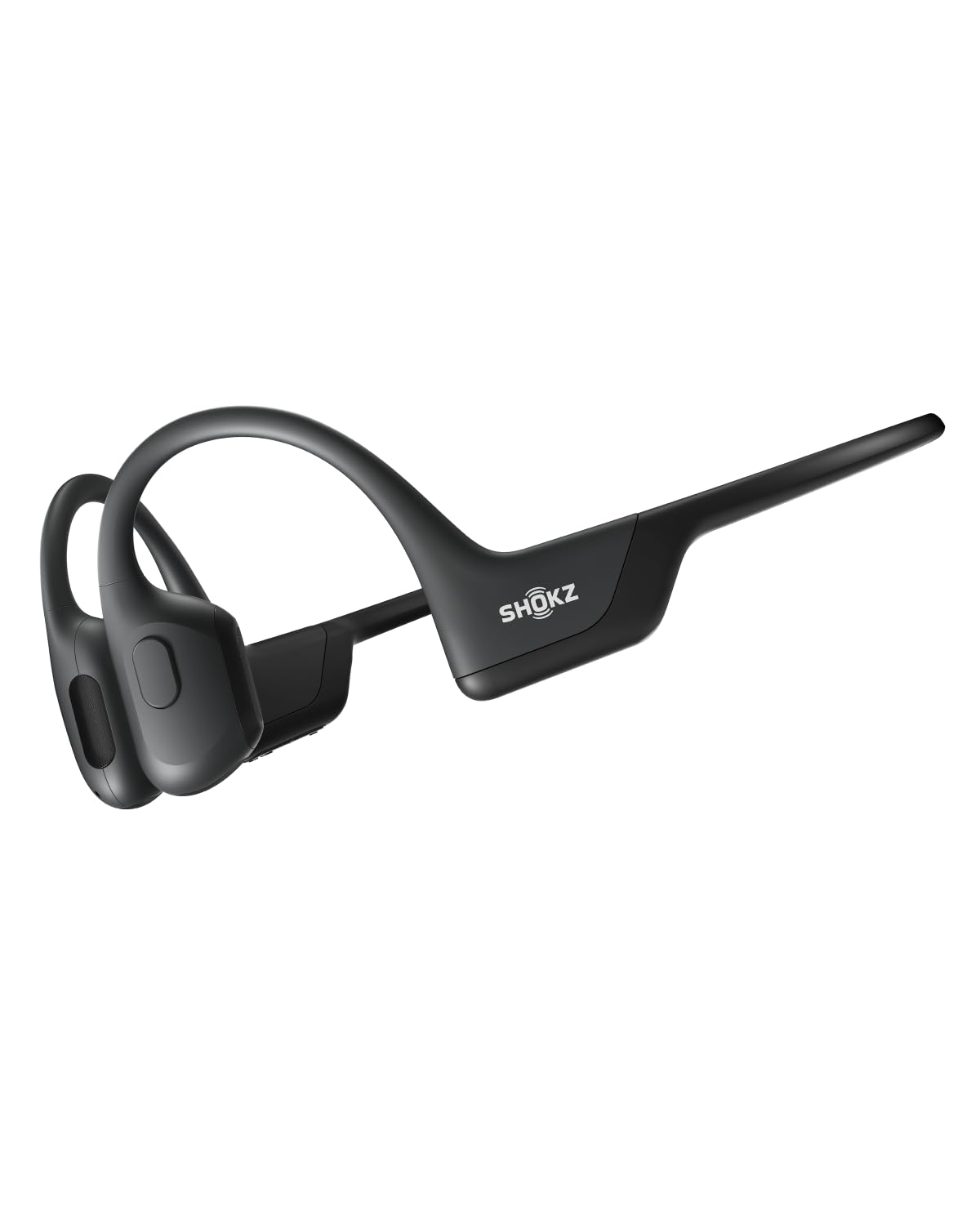
- The open-ear design supports awareness of your surroundings while listening.
- A titanium wraparound frame is designed for a stable fit.
- Battery life is rated for up to ten continuous hours of music, calls, and podcasts.
Best For: Workers who want to hear nearby people while taking calls or listening to audio during movement.
SHOKZ OpenFit 2
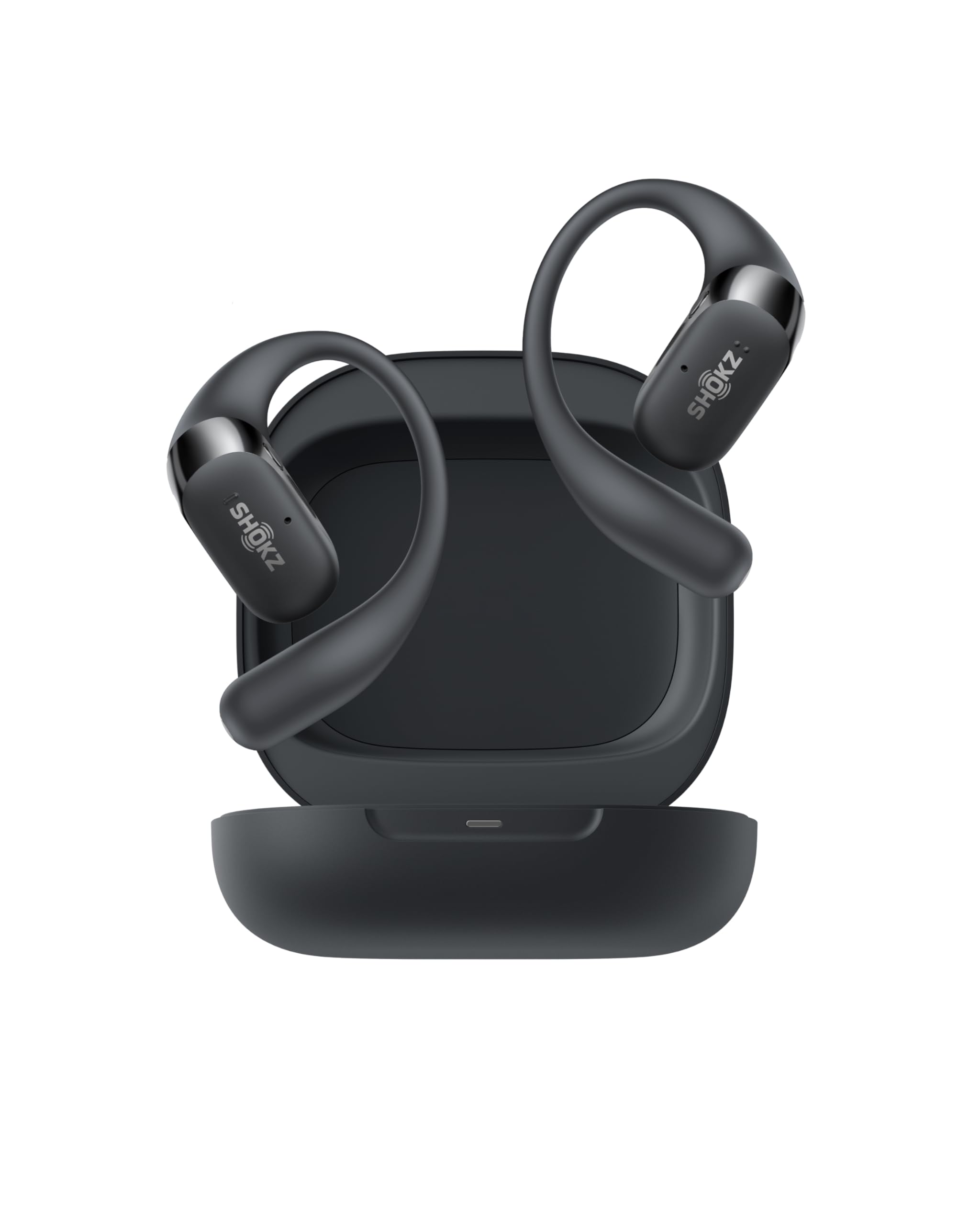
- Open-ear earhooks preserve awareness of nearby sounds.
- Dual noise-canceling microphones support calls.
- Physical buttons handle calls, volume and switching paired devices.
Best For: Workers who prefer open-ear earbuds with multipoint, physical buttons and a charging case.
SHOKZ OpenMove
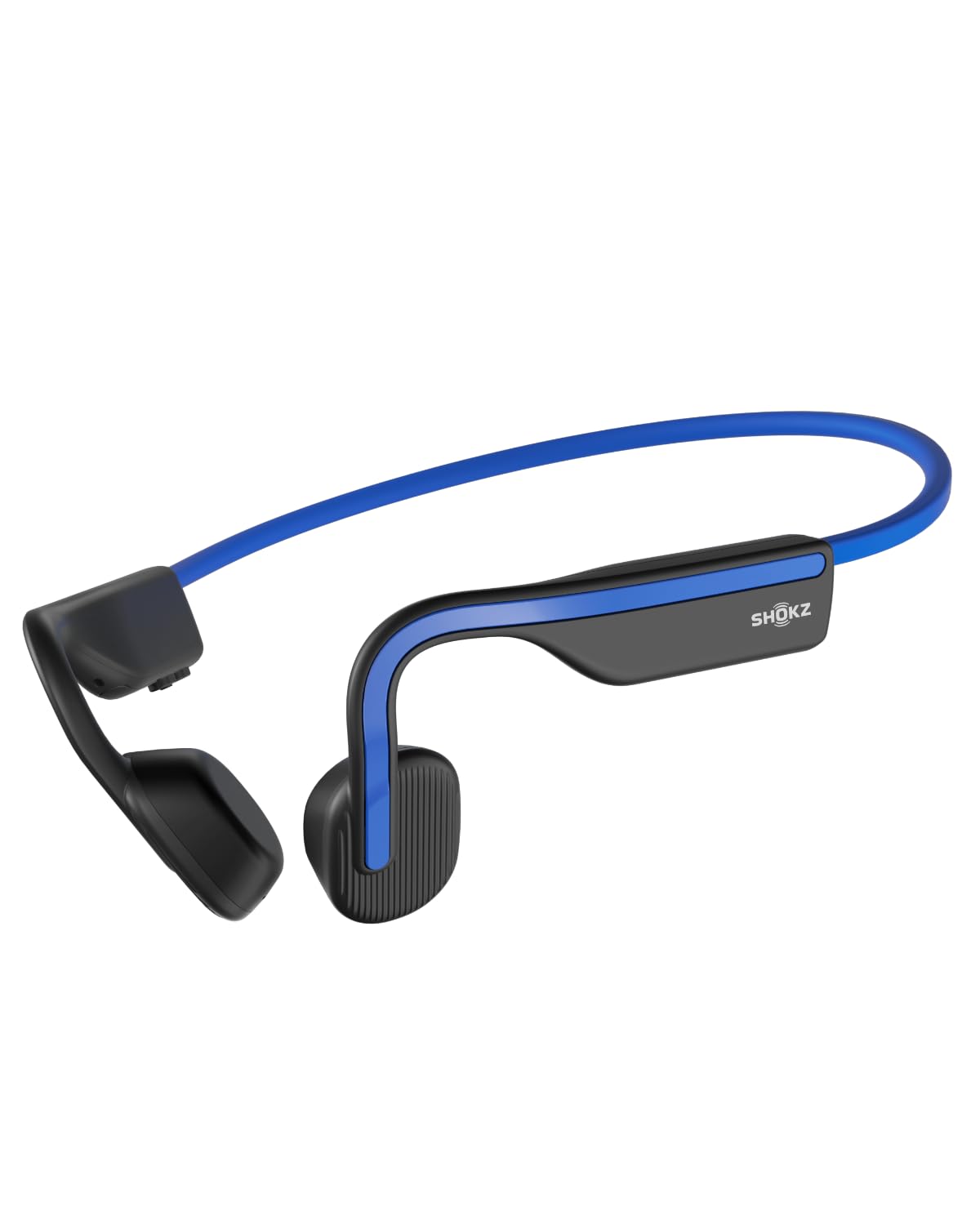
- Open-ear bone-conduction listening leaves the surroundings audible.
- A wraparound titanium frame supports a secure fit during low impact activities.
- The stated battery life is six hours for music and calls.
Best For: Workers who want a lightweight bone-conduction design for calls and listening while staying aware of their surroundings.
SHOKZ OpenFit Air
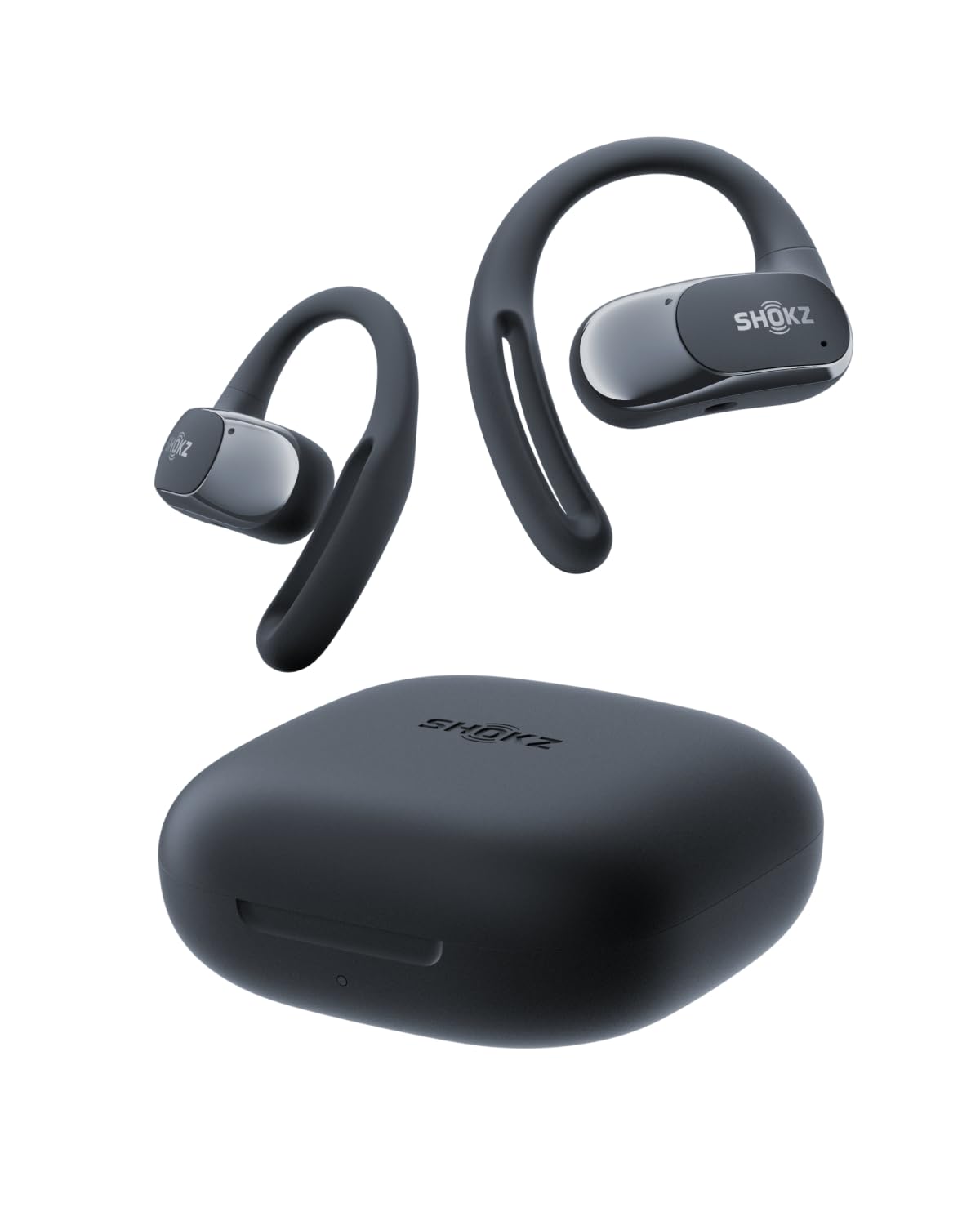
- The adaptable earhook weighs 0.3 oz and is designed for a secure fit.
- Four microphones and multipoint pairing support calls and device switching.
- The charging case extends total listening time to 28 hours.
Best For: Workers looking for open-ear earbuds with two-device pairing and app-adjustable controls.
SHOKZ OpenFit

- Soft silicone cushions and earhooks support open-ear wear.
- The charging case provides up to 28 hours of listening total.
- IP55 water resistance is included.
Best For: Workers who want soft-cushioned open-ear earbuds and a charging case for listening across the day.
Dedicated Meeting Headset
OpenComm2 2025 Upgrade - Open-Ear Bone Conduction Headphones, Wireless Bluetooth Headset with Noise Canceling Mic & Mute Button for Work Calls and Meetings, 16 Hour Talk Time for Mobile & PC - C120
The OpenComm2 is built around work calls, with an open-ear fit and a noise-canceling microphone with DSP. Its physical controls handle volume and muting, so common meeting adjustments are available on the headset.
Multipoint pairing lets it connect to two devices and toggle between them, which suits a work laptop and personal phone. Battery life is rated for up to 16 hours of talk time or 8 hours of listening, with a quick charge option for calls.
Its open design leaves the ear canal unobstructed, so it does not block surrounding office sounds like a closed headphone design might.
Best For: Remote workers who prioritize call controls, a boom mic and switching between a computer and phone.
| Pros | Cons |
|---|---|
|
|
Choose this when meetings are central and you want a boom-style call focus with a physical mute control. The open-ear fit is also useful when you need to remain aware of colleagues nearby.
Consider whether that same openness will make concentration harder in a busy shared space. Check that your computer and phone support the connection you plan to use, and compare the 8-hour listening figure with the time you spend on music or other audio outside calls.
Boom Mic and Mute Indicator
JLab Go Work Wireless Headsets with Microphone, 45+ Playtime PC Bluetooth Headset and Multipoint Connect to Laptop Computer and Mobile, Wired or Wireless Headphones (1 Pack)
JLab Go Work is an on-ear wireless headset designed around everyday computer and mobile use. Bluetooth multipoint connects two devices at once, and an included USB-C to 3.5mm cable gives you a wired option.
Its rotating boom microphone can move out of the way for listening, then return for calls. Headset buttons handle call and playback controls, while a red LED at the boom tip indicates when mute is on.
The stated 45-plus-hour playtime is useful for workers who prefer fewer charging breaks. The compact on-ear format may feel different from a cushioned over-ear headset during long sessions.
Best For: People who move between laptop calls and phone audio and want an on-headset mute indicator.
| Pros | Cons |
|---|---|
|
|
Pick Go Work if your routine mixes video calls, mobile calls and listening, especially when a clear mute indicator matters. The rotating boom and physical controls make it more call-oriented than simple music headphones.
It is an on-ear design, so check its fit preference against over-ear alternatives before relying on it for a full day. Confirm the wired cable behavior you need, particularly if you expect to use its microphone through a device's headphone jack.
ANC for Long Focus Sessions
JLab JBuds Lux ANC, Over Ear Headphones, Active Noise Cancelling, Bluetooth, Limited Edition Navy
The JBuds Lux ANC is an over-ear option for workers who want to soften office distractions while listening. Hybrid active noise cancellation is rated to block up to 35 dB, and an awareness mode lets outside sound back in when needed.
Cloud Foam cushions and a padded headband are designed for long sessions at a desk. Bluetooth multipoint connects a phone and laptop simultaneously, while the JLab app offers EQ, ANC and control adjustments.
Battery life is stated as more than 70 hours overall and more than 40 hours with ANC enabled. There is no listed water-resistance rating, so it is best suited to indoor desk use.
Best For: Workers who want active noise control, long battery life and simultaneous laptop and phone pairing.
| Pros | Cons |
|---|---|
|
|
Choose the JBuds Lux when concentration and wireless listening time are more important than a dedicated boom microphone. Its over-ear fit, ANC and app adjustments target desk sessions, while multipoint reduces the need to re-pair between a work computer and phone.
The product notes do not identify a boom mic, so workers with frequent calls should compare its built-in call setup with a work headset such as Go Work or OpenComm2. Also consider that active noise reduction is not the same as fully isolating a shared office.
Foldable ANC With Wired Backup
TREBLAB Z2 Wireless Over Ear Headphones Bluetooth, Hybrid ANC, 58H | IPX4 Sweatproof, Foldable with Case, Multipoint BT 5.3, Gaming Mode 65ms, 40mm Driver, 2-3H Charge Time
TREBLAB Z2 combines over-ear cushions with hybrid ANC, multipoint Bluetooth and a wired AUX fallback. Its foldable design makes it easier to pack between home and office, and the title gives a 58-hour playtime figure.
The headset is listed with Bluetooth 5.3, four physical buttons and support for switching between a phone and laptop without re-pairing. A 65 ms gaming mode is also included, though that feature is less central to office work.
The product notes mention four microphones for noise reduction, but do not specifically detail call microphone performance, so frequent meeting users should verify whether the call setup meets their needs.
Best For: Workers seeking over-ear ANC, a long stated playtime and both multipoint Bluetooth and AUX connectivity.
| Pros | Cons |
|---|---|
|
|
The Z2 suits workers who want one foldable over-ear headset for desk listening and commuting, with an AUX option as a backup. Its multipoint connection and ANC are useful for switching devices and reducing ambient noise.
The notes emphasize noise-reduction microphones but do not explain call pickup in detail, so people who spend much of the day in meetings should check that point before choosing it. Consider its 2–3-hour charge time alongside the stated 58-hour playtime.
Open-Ear Fit With Flexible Awareness
SHOKZ OpenRun Pro-Bone Conduction Headphones, Open-Ear Bluetooth Wireless Sport Headphones for Running and Workout, Sweat Resistant, Long Battery Life, Premium Deep Bass, Mic,with Hair Band, Black
The OpenRun Pro uses bone conduction and a wraparound titanium frame, leaving the ear canal open while keeping the headset secured around the head. That format can suit workdays where awareness of colleagues, announcements or the surrounding environment matters.
It supports music and calls for up to 10 continuous hours, and a short charge is stated to add listening time. The included hair band is an accessory in this offer.
Unlike an enclosed over-ear headset, it does not provide the same physical separation from office sound, and the notes do not specify multipoint pairing. Consider it for mobile work and lighter listening rather than assuming it will block a busy room.
Best For: Workers who want to hear nearby people while taking calls or listening to audio during movement.
| Pros | Cons |
|---|---|
|
|
Choose OpenRun Pro when situational awareness and a secure, movement-friendly fit matter more than blocking office noise. Its 10-hour battery figure covers a substantial listening or call period, but the supplied details do not mention multipoint pairing, so verify device-switching behavior if you regularly alternate between laptop and phone.
The open design is a practical tradeoff in shared spaces: you can remain more connected to the room, but nearby conversation may remain audible during focused tasks.
Open-Ear Earbuds With Physical Controls
SHOKZ OpenFit 2 Open-Ear Headphones,True Wireless Bluetooth Earphones with Microphone,Earhook Earbuds with 48 Hours of Playtime,Fast Charging,IP55 Water-Resistant,with Carrying Bag,Black,Bluetooth5.4
OpenFit 2 pairs an open-ear earhook format with physical buttons and up to 48 hours of total battery life with the case. Its dual noise-canceling microphones are intended for calls, while multipoint lets it switch between two paired devices.
The open-ear design keeps the listener connected to surrounding sounds, which can help in an office where people need to stay available. Unlike a headset with a boom mic, the microphones are integrated into the earbuds.
Check whether that call setup suits your meeting environment, and note that the battery total includes the charging case rather than one continuous charge.
Best For: Workers who prefer open-ear earbuds with multipoint, physical buttons and a charging case.
| Pros | Cons |
|---|---|
|
|
OpenFit 2 is a good fit for someone who wants wireless earbuds, open-ear awareness and easy device switching without wearing a headband. Its physical buttons are useful when touch controls are inconvenient, and the case extends the overall listening total.
If calls in a noisy office are your main need, compare the integrated dual microphones with a dedicated work headset's mic and mute controls. Also plan around the per-charge battery figure rather than treating the case total as uninterrupted wear time.
Straightforward Open-Ear Listening
SHOKZ OpenMove - Open-Ear Bluetooth Sport Headphones, Bone Conduction Wireless Earphones, Sweatproof for Running and Workouts, with Sticker Pack(Blue)
OpenMove is a bone-conduction headset with a wraparound titanium frame and open-ear fit. It is aimed at listening and calls while keeping the user connected to nearby sounds, which can be useful when moving around a workplace.
The product notes give six hours of continuous music, calls and podcasts per charge, and list compatibility with Android, iOS and Windows Bluetooth devices. A USB-C cable is included.
Its simpler feature set does not mention multipoint pairing or a dedicated mute control, so it may be less convenient for people who switch between multiple work devices throughout the day.
Best For: Workers who want a lightweight bone-conduction design for calls and listening while staying aware of their surroundings.
| Pros | Cons |
|---|---|
|
|
Pick OpenMove when an open-ear fit is the main requirement and you want a straightforward Bluetooth headset for calls and audio. It is a practical option for workers who move between spaces and want to remain aware of the environment.
Its six-hour battery figure and lack of specified multipoint make it less compelling for marathon meeting schedules or frequent device switching. Check how you will handle charging and call muting before making it your primary desk headset.
Open-Ear Earbuds for Two Devices
SHOKZ OpenFit Air - Open-Ear Headphones, True Wireless Earbuds, Water Resistant, Secure Earhooks for Daily Use, Black
OpenFit Air uses an adaptable earhook to hold its open-ear earbuds in place while leaving the ears open to surrounding sound. Its four smart microphones, multipoint pairing and IP54 water resistance make it an adaptable option for mixed work and daily use.
Battery life is stated as up to six hours per charge or 28 hours with the charging case, with a quick charge option. The Shokz app can adjust EQ modes and button functions.
These are earhook earbuds rather than a boom-mic headset, so frequent callers should compare that integrated microphone arrangement with their meeting needs.
Best For: Workers looking for open-ear earbuds with two-device pairing and app-adjustable controls.
| Pros | Cons |
|---|---|
|
|
OpenFit Air fits workers who prefer earbuds over a headband and want to switch between two devices without abandoning open-ear awareness. Its case-backed battery total is useful for topping up between sessions, while the per-charge figure is the more relevant limit for uninterrupted calls.
The notes do not identify a physical mute control, so check call-control needs if you often join meetings. Choose a dedicated headset instead when a boom microphone and explicit mute button are central requirements.
Earhook Comfort With Extended Case Battery
SHOKZ OpenFit-Open-Ear True Wireless Bluetooth Headphones with Microphone,Earbuds with Earhooks,Sweat Resistant,Fast Charging,28HRS Playtime,Compatible with iPhone&Android,Beige,Bluetooth5.2
The original OpenFit offers an open-ear earbud design with a soft silicone cushion and flexible earhooks. Each earhook is listed at 9.4 g, and IP55-rated water resistance suits workdays that include movement or light exposure to the elements.
Battery life is stated as seven hours per charge and up to 28 hours with the case, with a quick-charge feature. The design keeps the ears open to the environment and includes microphones for calls, but the supplied details do not specify multipoint pairing or a physical mute button.
It suits workers who favor a light, less enclosing fit over a conventional headset.
Best For: Workers who want soft-cushioned open-ear earbuds and a charging case for listening across the day.
| Pros | Cons |
|---|---|
|
|
Choose OpenFit if you prefer a cushioned earhook and open-ear listening for calls and audio while working. Its case-backed runtime suits a day with breaks to recharge, though seven hours is the stated per-charge figure.
The notes do not confirm multipoint or a physical mute control, so check those needs before relying on it for a meeting-heavy role. For a more explicit call workflow, compare it with the OpenComm2 or Go Work, which identify headset controls and call-focused features.
How to Choose Headphones For Work
How We Picked Headphones for Work
We prioritized features that map to distinct work needs: call-specific microphones and mute controls, simultaneous connections to a computer and phone, noise control for focused listening, and open-ear designs for workers who need to stay aware of their surroundings. That is why this selection includes dedicated headsets such as the OpenComm2 and Go Work alongside over-ear ANC models and open-ear earbuds.
The intended work setting matters. A shared office may favor an open fit if you need to hear people nearby, while a noisy desk may call for ANC.
For video meetings, the microphone and mute method deserve more attention than workout extras or gaming profiles.
Comparing Headphones for Work
The biggest distinction is how each design handles calls and the room around you. The OpenComm2 and Go Work emphasize call microphones and physical call controls.
JBuds Lux ANC and TREBLAB Z2 add over-ear listening and active noise control, while the SHOKZ open-ear models leave the ears less enclosed. The SteelSeries headset adds cross-platform and gaming features for a mixed setup.
Device switching also varies. Go Work and OpenFit 2 identify multipoint support, and JBuds Lux connects a phone and laptop simultaneously.
OpenComm2 pairs two devices. Where multipoint is not specified, confirm how easily the headphones move between your work computer and phone before buying.
| Product | Standout features | Best for |
|---|---|---|
| SHOKZ OpenComm2Check Price |
| Remote workers who prioritize call controls, a boom mic and switching between a computer and phone. |
| JLab Go WorkCheck Price |
| People who move between laptop calls and phone audio and want an on-headset mute indicator. |
| JLab JBuds Lux ANCCheck Price |
| Workers who want active noise control, long battery life and simultaneous laptop and phone pairing. |
| TREBLAB Z2Check Price |
| Workers seeking over-ear ANC, a long stated playtime and both multipoint Bluetooth and AUX connectivity. |
| SHOKZ OpenRun ProCheck Price |
| Workers who want to hear nearby people while taking calls or listening to audio during movement. |
| SHOKZ OpenFit 2Check Price |
| Workers who prefer open-ear earbuds with multipoint, physical buttons and a charging case. |
| SHOKZ OpenMoveCheck Price |
| Workers who want a lightweight bone-conduction design for calls and listening while staying aware of their surroundings. |
| SHOKZ OpenFit AirCheck Price |
| Workers looking for open-ear earbuds with two-device pairing and app-adjustable controls. |
| SHOKZ OpenFitCheck Price |
| Workers who want soft-cushioned open-ear earbuds and a charging case for listening across the day. |
Choosing a Work Headset for Calls
If meetings fill your calendar, look for a microphone arrangement and mute control that suit your routine. Go Work has a rotating boom mic and a red mute indicator; OpenComm2 pairs its noise-canceling microphone with physical mute controls.
Earbud options can reduce bulk, but their integrated microphones and controls are different from a boom headset, so consider the room you call from and how often you mute.
Battery figures need context. A single-charge figure describes continuous use more clearly than a total that includes a charging case.
OpenFit 2, for example, gives both a per-charge number and a larger case-inclusive total. The SHOKZ OpenComm2 distinguishes talk time from listening time, which helps if meetings dominate your audio use.
Noise Control, Comfort and Awareness
Over-ear headphones such as JBuds Lux ANC and TREBLAB Z2 provide ANC for reducing distractions, with JBuds Lux also offering an awareness mode. These can fit focused desk work, though ANC does not replace a dedicated call microphone.
Open-ear bone-conduction and earhook models leave more connection to the room, which can suit collaborative offices or workers who move around.
Comfort is personal, so choose the form factor you can wear through your actual schedule. Over-ear cushions enclose the ears; on-ear designs rest on them; open-ear frames and earhooks avoid sealing the ear canal.
Consider whether you wear glasses, whether you need to hear coworkers, and how long you sit in calls before settling on one shape.
Who Should Buy Which Work Headphones?
For call-heavy remote work, start with OpenComm2 or Go Work because their notes describe call microphones and physical controls. For quieter focus sessions with noise control, compare JBuds Lux ANC and TREBLAB Z2.
If staying aware of colleagues matters, look at OpenRun Pro, OpenMove or the open-ear OpenFit models, keeping their per-charge battery limits in mind.
Workers with a gaming or multi-platform setup may find the SteelSeries Arctis Nova Pro Wireless useful for switching systems and mixing mobile audio. For a simple office purchase, its gaming features may be unnecessary.
Match the headphones to your meeting load, background noise, device switching and preferred fit rather than choosing on battery life alone.