This Phomemo M110 review looks at a portable thermal label maker built for address, cable, clothing, retail, and small business labeling. Its phone and PC compatibility may suit buyers who want more than a phone-only workflow.
Phomemo M110 Review Summary
The quick verdict
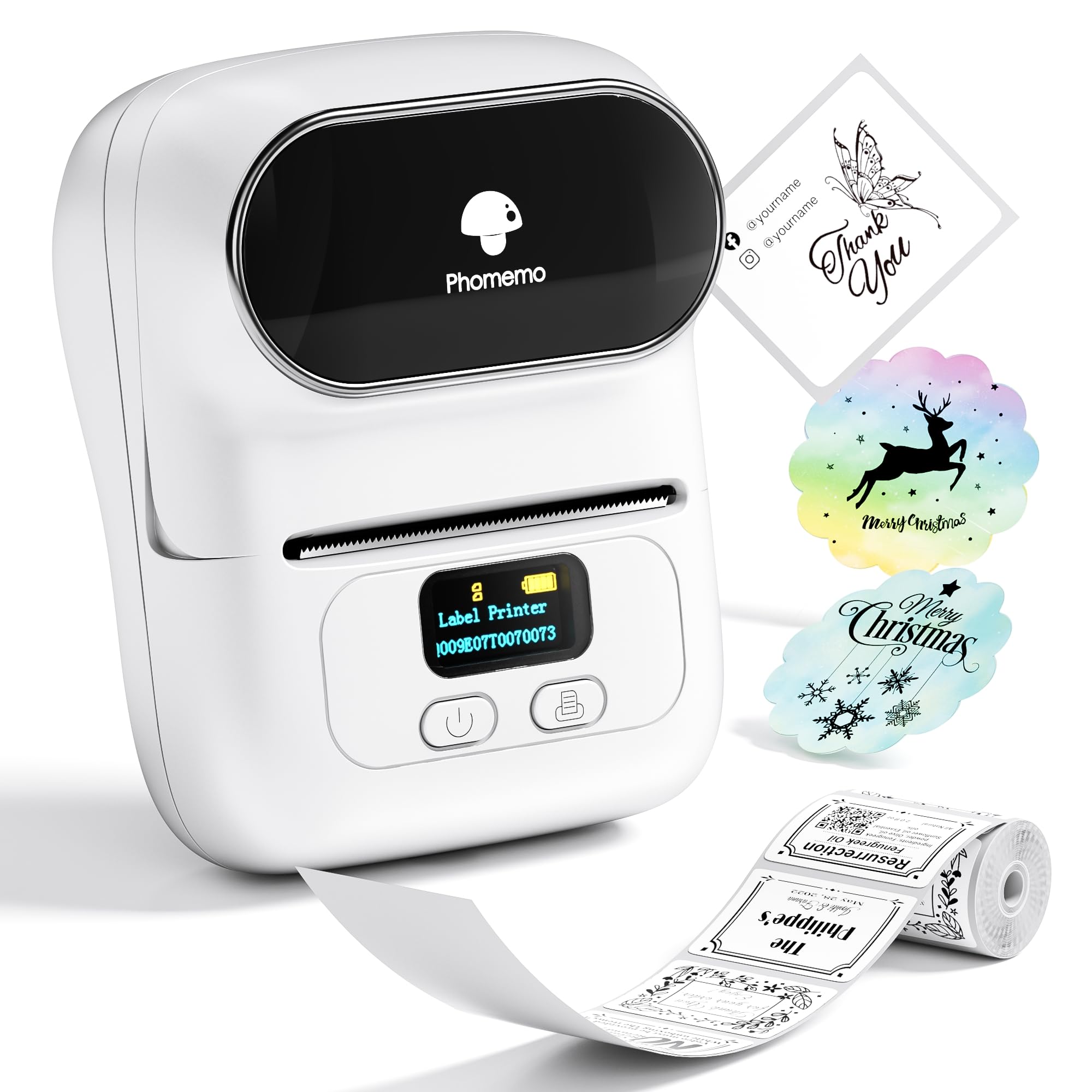
6,000+ ratings
Read Amazon ReviewsPhomemo M110
A flexible thermal label maker for buyers who want phone or PC printing, custom templates, and labels for everyday organization and small business tasks.
- Prints black-and-white thermal labels without ink or ribbon.
- Supports label widths from 20mm~50mm; it is not intended for shipping labels.
- Offers more than 300 templates and lets users create custom templates.
- Bluetooth 4.0 connection with a range of up to 33 feet and one-click printing.

Pros
- Ink-free thermal printing avoids buying ink and ribbon.
- Custom templates and a large template library support varied labeling tasks.
Consider before buying
- It is not designed for shipping labels, which rules it out for that specific task.
- Black-and-white output is limiting if your labels need color.
Read the full review summary
The M110 combines Bluetooth printing, thermal output, adjustable label widths, and an app with ready-made and custom templates.
That mix makes it a practical fit for recurring organization and product-labeling tasks where a compact printer and editable designs are useful.
It is especially worth considering for small businesses, home projects, or school use that can work within its 20mm~50mm label range.
Excel batch printing can help with repeated label jobs, while OCR offers a way to turn text in photos into editable text before printing.
The buying factors
Phomemo M110 Scorecard
Editorial scores reflect listed features and buyer fit; they are not laboratory measurements or customer ratings.
Label-width flexibility
The 20mm~50mm range accommodates a useful span of compact labels, though the printer is explicitly not for shipping labels.
Template and layout options
The app provides more than 300 templates and lets users create their own, giving regular labeling projects room to vary.
Workflow flexibility
Phone and PC compatibility plus Excel batch printing make it suitable for users with recurring or spreadsheet-based label work.
Printing setup
Bluetooth pairing and one-click printing are designed to keep routine jobs straightforward, with a stated connection range of up to 33 feet.
Ink-free operation
Thermal black-and-white printing avoids ink and ribbon purchases, but the output is monochrome.
Shipping-label suitability
This model is not intended for shipping labels, so buyers who need that format should choose a different printer type.
Key Features and Specifications of Phomemo M110
- Prints black-and-white thermal labels without ink or ribbon.
- Supports label widths from 20mm~50mm; it is not intended for shipping labels.
- Offers more than 300 templates and lets users create custom templates.
- Bluetooth 4.0 connection with a range of up to 33 feet and one-click printing.
- Supports Excel batch printing for repeated jobs.
- OCR can recognize text in images in five seconds and convert it to editable text.
- An adjustable paper holder is designed to help prevent jams and deviations.
Pros and Cons of Phomemo M110
Pros
- Ink-free thermal printing avoids buying ink and ribbon.
- Custom templates and a large template library support varied labeling tasks.
- Excel batch printing can streamline repeated label creation.
- Phone and PC compatibility offers more workflow options.
Consider before buying
- It is not designed for shipping labels, which rules it out for that specific task.
- Black-and-white output is limiting if your labels need color.
- The supported width range is 20mm~50mm, so check that your intended label stock fits before buying.
Who Should Buy Phomemo M110?
Good fit
Choose the M110 for small business or household labeling when the 20mm~50mm width range covers your label needs. Its templates, custom layouts, and Excel batch printing give frequent label makers useful ways to handle varied and repeated jobs.
It also suits buyers who prefer thermal output without ink or ribbon and want a printer that works with phones and PC. OCR may be handy when label text starts in a photo and needs editing first.
Who should skip it
Skip the M110 if shipping labels are central to your workflow; it is expressly unsuitable for that task. Buyers who require color output should also look elsewhere because its thermal printing is black and white.
Phomemo M110 Review Analysis
Label size and task fit
The 20mm~50mm range is aimed at compact labels for identification and organization. The listed uses include clothing, food, jewelry, school, and home projects, but shipping labels fall outside the intended scope.
Templates and recurring work
The template library and custom-template option should help users adapt layouts across different label jobs. Excel batch printing is particularly relevant when a list or spreadsheet needs to become multiple labels rather than a single one-off design.
Connection and prep tools
Bluetooth 4.0 and one-click printing keep the described workflow centered on wireless jobs.
OCR adds another preparation path by converting text from a photo into editable copy; the stated five-second recognition time is a feature claim, not a guarantee for every image.
Ongoing printing tradeoffs
Thermal printing removes ink and ribbon from the supply list, and the adjustable paper holder is designed to reduce jams and deviations. The monochrome format keeps this focused on practical identification rather than color-coded designs.
Alternatives to Phomemo M110
Desktop Label Printers alternative
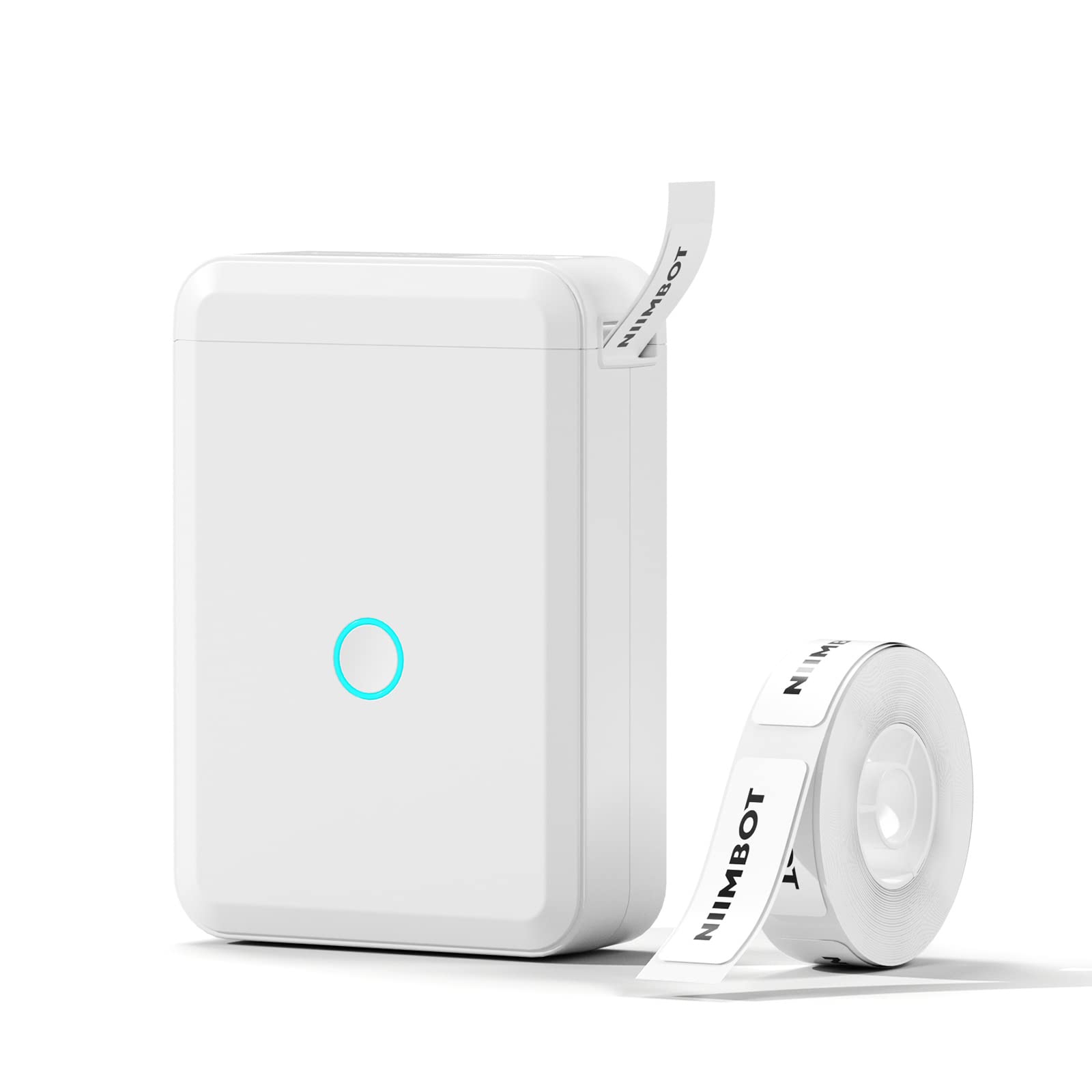
8,000+ ratings
Read Amazon ReviewsNIIMBOT D110 Label Maker Machine
Choose the D110 for phone-based home, school, or office organization if automatic label recognition is the priority; choose the M110 if PC compatibility and Excel batch printing better match your workflow.
- The D110 automatically recognizes inserted label types and works with iOS and Android phones through Bluetooth, but it cannot work with laptops or tablets.
- The M110 supports label widths of 20mm~50mm and Excel batch printing, making it a fit for varied compact labels and repeated spreadsheet jobs.
Battery-focused alternative
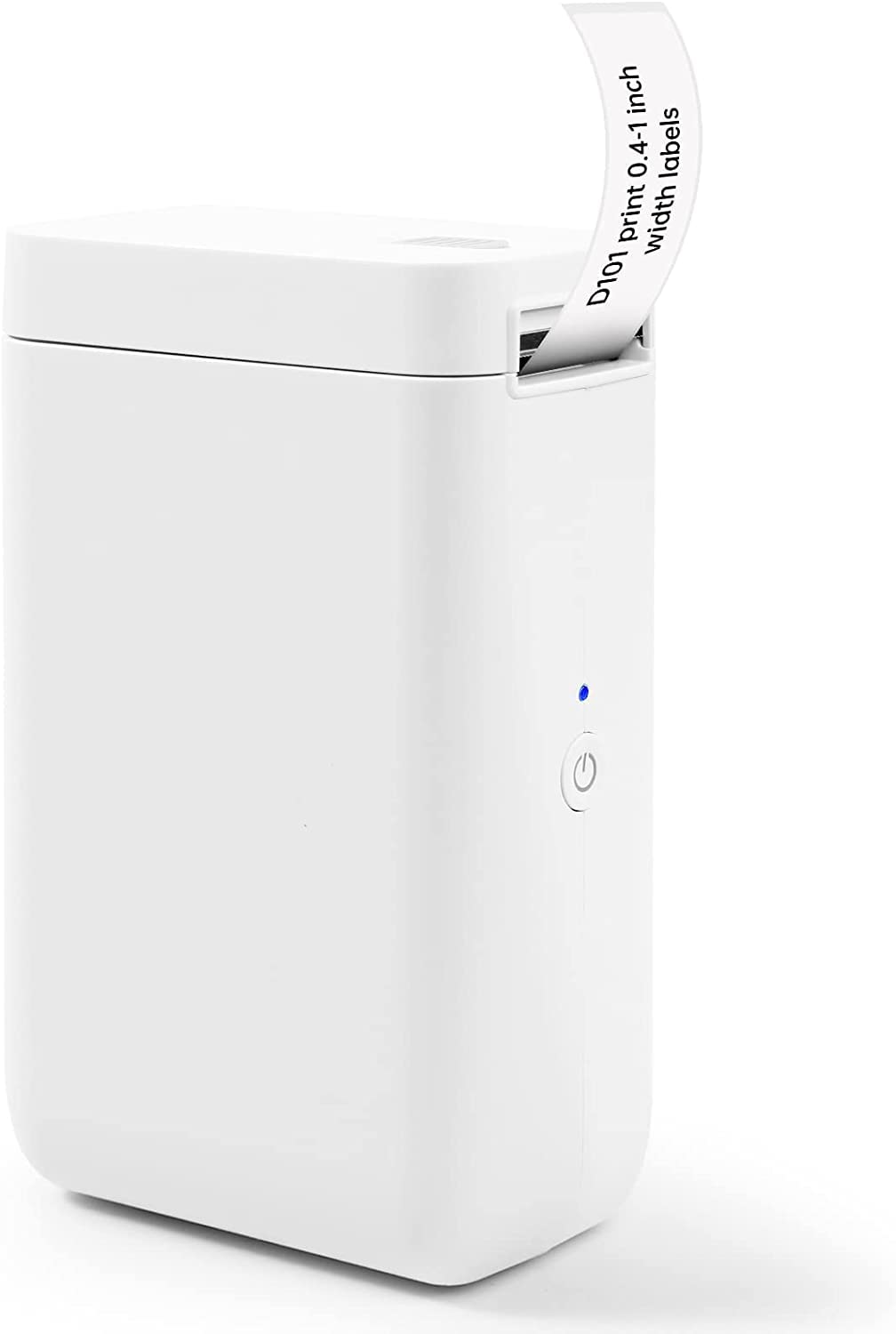
8,000+ ratings
Read Amazon ReviewsNIIMBOT D101 Label Maker Machine
Consider the D101 if its 0.5-inch and 1-inch tape options or rechargeable format better suit your setup; the M110 is the alternative to favor when Excel batch printing is useful and its label-width range fits.
- The D101 accepts 0.5-inch and 1-inch tape widths and has a rechargeable battery described for up to two months of use on one charge.
- The M110 handles 20mm~50mm labels and Excel batch printing for users with spreadsheet-based work.
Is Phomemo M110 Worth It?
The Phomemo M110 is worth considering if you need a compact thermal label maker for small business, home, or school labeling and expect to benefit from custom templates, Excel batch printing, or PC compatibility.
Ink-free black-and-white output also suits buyers focused on functional identification labels.
Buy only if the 20mm~50mm range matches your needs and you do not require shipping labels or color output. For those everyday labeling tasks, the M110 offers a useful blend of editable layouts and practical connection options.
Your review at a glance
6,000+ ratings
Read Amazon ReviewsPhomemo M110
A flexible thermal label maker for buyers who want phone or PC printing, custom templates, and labels for everyday organization and small business tasks.
- Prints black-and-white thermal labels without ink or ribbon.
- Supports label widths from 20mm~50mm; it is not intended for shipping labels.
- Offers more than 300 templates and lets users create custom templates.
- Bluetooth 4.0 connection with a range of up to 33 feet and one-click printing.